
Status on 22 October 2026: Checkinatwork covers construction and ready-mix concrete on sites of at least EUR 500,000 excl. VAT, and the meat sector.
From 1 April 2027, Check In and Out at Work (CIAO) takes over for construction and ready-mix concrete.
Check in at Work is the daily presence registration the Belgian social security office (RSZ/ONSS) requires before anyone starts work on an in-scope site.
On a construction site where the works total EUR 500,000 excl. VAT or more, every worker, subcontractor and self-employed person is registered, every day.
A missed registration is a level 3 sanction per person: EUR 1,000 to 10,000 administrative, or EUR 2,000 to 20,000 criminal.
We build the Check in at Work solution that Belgian contractors use for this. This guide sets out the rules first:
- When Check in at Work is mandatory, per activity
- Who registers in a subcontracting chain
- What six unregistered workers cost on one site
- How you register, and where an app or site pole helps
- When you do not need to register
- What changes on 1 April 2027
Key takeaways
- Check in at Work is the daily presence registration the RSZ/ONSS requires before anyone starts work on an in-scope site.
- In construction it applies when the works on the site total EUR 500,000 excl. VAT or more. Every worker, subcontractor and self-employed person is registered, every day.
- A missed registration is a level 3 sanction per person: EUR 1,000 to 10,000 administrative, or EUR 2,000 to 20,000 criminal.
- From 1 April 2027, Check In and Out at Work (CIAO) takes over for construction and ready-mix concrete.
When is Check in at Work mandatory?
It depends on the activity, not on the size of your company.
For construction, the trigger is the total value of the works on the site, not the value of your own contract.
The table below sorts the activities the RSZ names. Its amounts come from the rules as they stand today.
| Activity | What you register | When it applies | Who registers |
|---|---|---|---|
| Construction works (works in immovable property) | Checkinatwork: one check-in per person per day, before work starts | Total works on the site of EUR 500,000 excl. VAT or more | Each employer or contractor, for its own workers and its subcontractors, or the worker by agreement |
| Ready-mix concrete delivery | Checkinatwork, as above | Delivery to a site of EUR 500,000 excl. VAT or more | Same rule as construction |
| Meat sector (slaughtering, cutting, meat preparations in approved establishments) | Checkinatwork, as above | The activity itself, first reported in the declaration of works | The party that sends the worker and the worker, by agreement |
| Cleaning and maintenance of buildings | Check In and Out at Work: arrival, departure and breaks, since 1 September 2024 | Cleaning works that must be declared: EUR 30,000 excl. VAT or more without subcontractors, EUR 5,000 or more with one subcontractor, any amount with two or more | The cleaner, in real time |
| Construction site below EUR 500,000 | No Checkinatwork registration | Not applicable | The declaration of works can still apply |
| Foreign workers on an in-scope site | Checkinatwork, by scanning the QR code on their Limosa L1 | Same site threshold as above | The worker or the contractor scans the L1 |
Watch out: two different thresholds get mixed up, also in articles online. EUR 500,000 is the attendance threshold for construction sites; EUR 30,000, EUR 5,000 or any amount belongs to the declaration of works, which decides cleaning.
A plan to drop the thresholds for cleaning was announced, but no royal decree has followed yet, according to the RSZ.
In the meat sector, the activity itself brings you in. You report it in the declaration of works first.
Who registers: the main contractor or every subcontractor?
Both. The RSZ puts the duty on the party that sends someone to work and on the person who does the work.
They agree who registers, and both can check that it happened, according to the RSZ page on who Checkinatwork is for.
As an employer or contractor, you make sure your workers, your subcontractors and their workers are registered.
You can do it yourself, or agree that they register themselves.
If they register themselves, you must give them a means to do it. The RSZ’s own online service counts as one.
| Role on the site | What the RSZ expects |
|---|---|
| Declaring contractor | Declares the works in the declaration of works and makes sure the chain below is registered |
| Subcontractor | The same duty for its own workers and its own subcontractors |
| Employee or self-employed subcontractor | Registers if agreed, or checks the registration made for them |
| Agency worker | The company that uses the agency worker registers them |
| Architect (design or site supervision) and safety coordinator | Must be registered too; the contractor makes sure they have a compatible means to register |
| Foreign worker | Scans the QR code on the Limosa L1, with no portal access needed |
Foreign workers on an in-scope site are registered daily by scanning the QR code on their L1, and the L1 number is their ID.
The Limosa declaration guide covers the step before that.
The weak point is rarely your own crew. It is the subcontractor who sends a different team on Tuesday.
What six unregistered workers cost: a worked example
Take a renovation site where the works total EUR 800,000 excl. VAT, so it is in scope.
An inspector arrives on a Thursday morning. Six workers of one subcontractor have no registration for that day.
A missing registration is a level 3 sanction, counted per person involved. For offences from 1 February 2026, that gives this range.
| Sanction route | Per person | Six workers |
|---|---|---|
| Administrative fine | EUR 1,000 to 10,000 | EUR 6,000 to 60,000 |
| Criminal fine | EUR 2,000 to 20,000 | EUR 12,000 to 120,000 |
That is for one morning on one site.
The RSZ puts the duty on both sides of the chain. Do not assume a missed registration stays your subcontractor’s problem.
Note: some pages and ads still quote EUR 600 to 6,000. That is an outdated level 3 criminal range, still shown on the RSZ’s old sanctions sheet. For offences from 1 February 2026 it is EUR 2,000 to 20,000.
How do you register for Check in at Work?
The RSZ offers four channels, and you can mix them, according to its page on how to register attendance.
| RSZ channel | How it works | What you need |
|---|---|---|
| Online service (desktop) | Manual entry, or a wizard that reuses Dimona and declaration-of-works data for several workers or days | A computer and secure access to the social security portal |
| Mobile online service | The same functions on a phone, plus scanning the QR codes of the Limosa L1 and the site poster | A smartphone and secure access (a foreign worker scanning an L1 needs none) |
| Webservice | Your own system sends the registrations to the RSZ | A registration system and a software link |
| Gateway | A computer on site where people sign in with an eID, national register number or Limosa number | A computer, an eID card reader and internet on site |
Three rules apply whatever channel you use:
- A registration is complete once it has a receipt number. Check it in the online service.
- A registration made in advance can be cancelled in the online service or through the webservice, for example when bad weather stops work.
- The RSZ certifies no supplier’s software, and using one does not take the legal responsibility off you.
At Suivo, we give you three ways to register:
- The app, for sites with many third parties, such as architects, subcontractors and foreign workers.
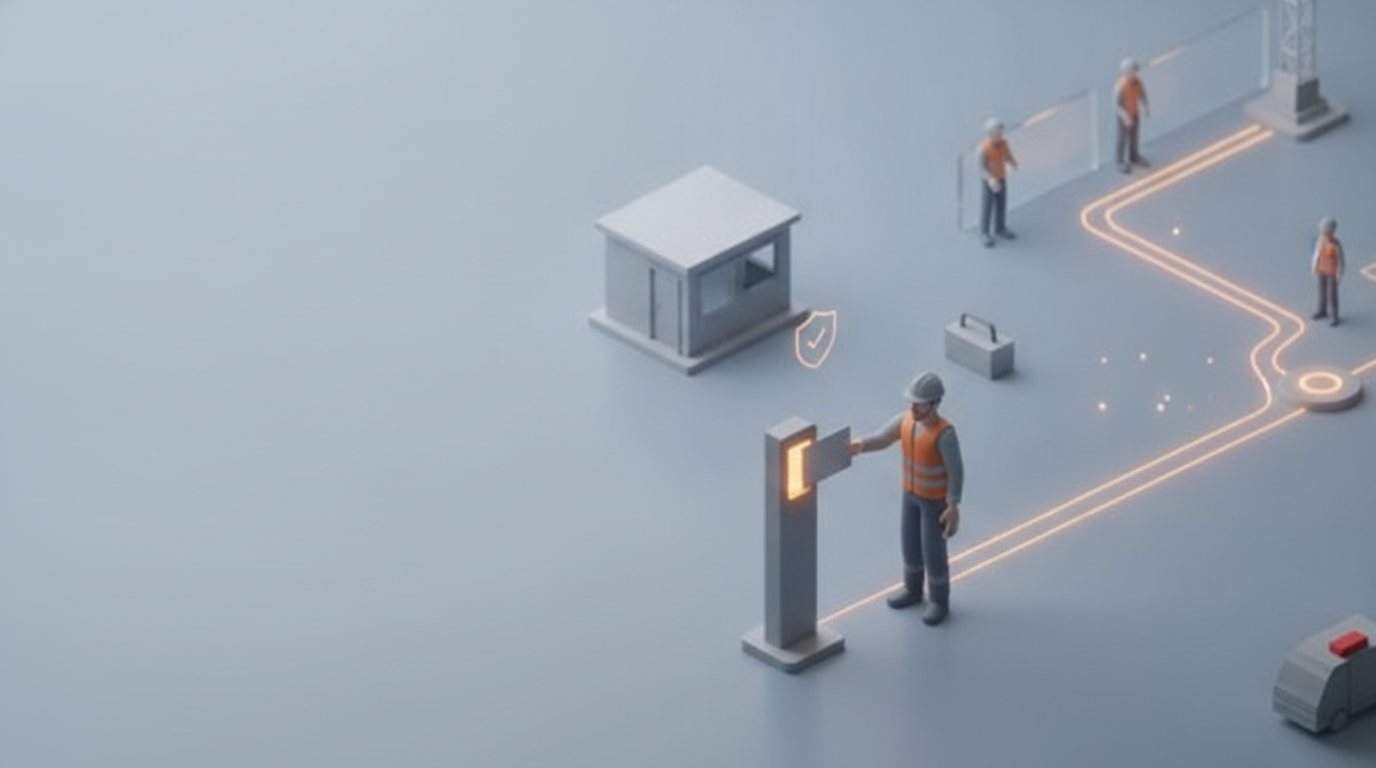
- A mobile site pole, for larger sites with few entrances. People register with a Belgian ID card, a Constructiv badge or an iButton.
- A black box in the vehicle, which registers the crew before they drive onto the site.
In all three cases, we report the registrations to the RSZ for you.
Kurt Baggen, Administrative Director at B & R Bouwgroep, describes the badge route:
"Our staff can sign in easily with their badge and we have less administration and absolutely no mistakes. We estimate this is saving us the equivalent of two FTEs."
For Cegelec, the concern was volume. Benny Vandevenne, COO at Cegelec:
"We wanted a zero chance of making mistakes when registering 500 employees for the new attendance registration."
Is the RSZ’s own service not enough? For one site and a crew you know, it can be.
It gets harder with several sites a day, changing subcontractors and foreign crews. Someone has to check every morning that each person has a receipt number.
Our comparison of a badge, terminal or app for a construction team helps you choose.
When you do not need to register
You do not register in Checkinatwork in these cases, according to the RSZ:
- Construction site below EUR 500,000 excl. VAT. If the total reaches that amount during the works, registration starts from then.
- Cleaning and maintenance. These go through Check In and Out at Work instead, not through Checkinatwork.
- Certain agricultural, horticultural and forestry activities that the RSZ explicitly excludes.
- After provisional acceptance. The report of provisional acceptance is your proof for the inspector. Registration also ends when the contract ends, or after final acceptance for warranty works.
- Customers of a meat company. They are not in scope of the meat-sector rule.
Grey areas need a case-by-case look. Our article on Check in at Work exemptions goes through them.
What changes on 1 April 2027?
From 1 April 2027, Check In and Out at Work replaces Checkinatwork for construction and ready-mix concrete.
The legal basis is the Programme Law of 30 May 2026, articles 124 to 131.
Three things change for a construction site:
- Check-in and check-out. Each person registers on arrival and on departure, in real time.
- Same scope. The EUR 500,000 site threshold stays, and cleaning keeps its own regime.
- One channel. From that date, the RSZ no longer accepts construction registrations in Checkinatwork.
If your crews register once a morning today, plan the switch now.
Our Check In and Out at Work solution is built for the new rule.
Frequently asked questions
Can I register with the RSZ’s own app?
Yes. The mobile online service needs a smartphone, internet and secure access to the social security portal.
Self-employed subcontractors first request a username and password with their eID.
How do I add a subcontractor?
Subcontractors are reported in the declaration of works for the site.
You then register their workers yourself, or agree that they do it and give them a means to register.
What is the QR code on the site for?
A poster on the site can tell workers that registration applies there, and the RSZ mobile service can scan the QR code on the workplace poster to register for the right site.
Foreign workers can also scan the QR code on their Limosa L1.
Is Check in at Work the same as time registration?
No. It records who is present on a site, not working hours.
The coming Check In and Out at Work is a separate anti-fraud regime from the time-registration law.
Check your sites before the next inspection
Start with three checks this week:
- List every active site and its total value excl. VAT.
- For each subcontractor, write down who registers their people.
- Spot-check yesterday’s registrations for receipt numbers.
For the wider picture, from site registration to hours and equipment, download our free guide Get Ahead in Construction.